
We're launching our AI Compliance Assistant, ComplyHans, directly in the platform. The assistant lets you ask questions about your contracts and documents and get answers based on the content already uploaded to the platform. ComplyHans is currently in beta, but will be covering more areas soon.
Welcome to ComplyHans
ComplyHans is your new AI compliance assistant. You can ask questions in natural language, and it searches your data within the platform to put together a relevant answer. The assistant works best with contracts and documents for now, but it will be covering more areas soon. When it finds something useful, it links directly to the document and highlights the exact section that's relevant to your question. ComplyHans can also answer general compliance questions that aren't related to uploaded content.
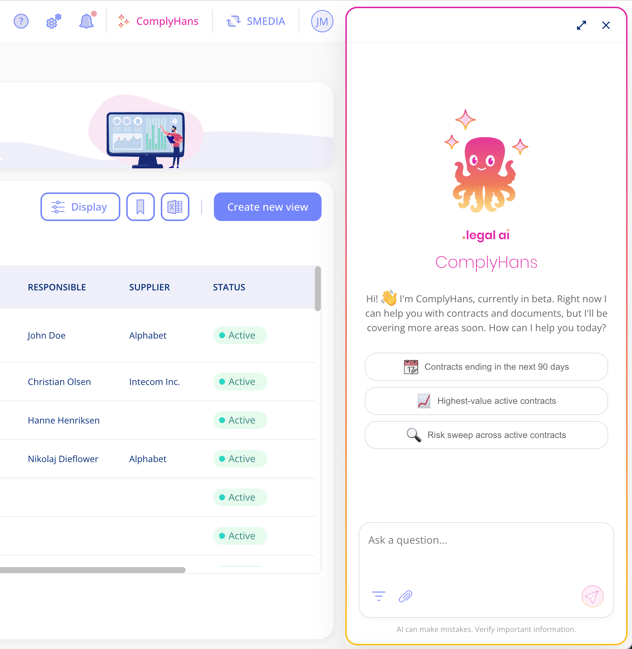
Answers based on your documents include references. Click a reference to preview the document, with the relevant text highlighted in yellow.
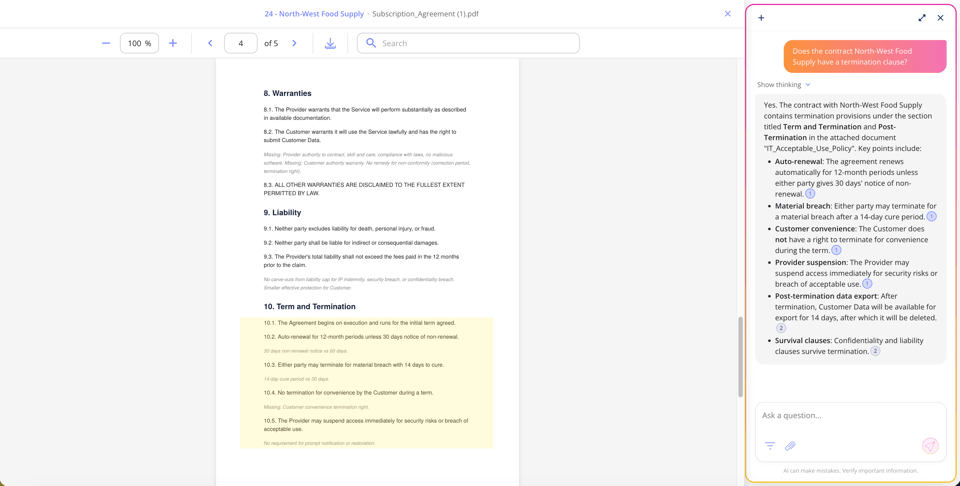
For a start, ComplyHans is open to all contract customers who have activated the AI Features add-on. Find it in the top panel.
Transparency in answers
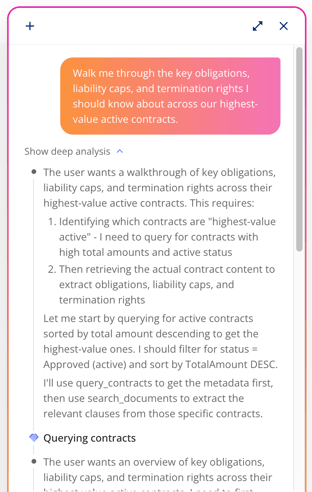
Before responding, the chat shows its reasoning, so you can follow how it reached its answer. This collapses automatically once the final answer is ready, but you can always go back and read through it if you're unsure how a conclusion was reached.
Filter before you ask
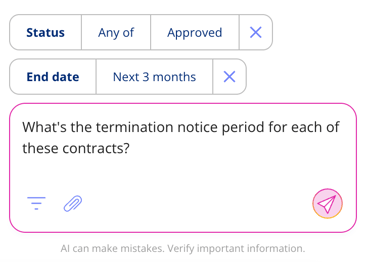
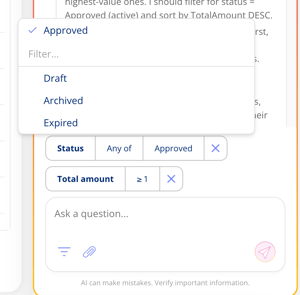
If you have a large number of contracts, you can narrow down what the chat is allowed to draw from by using the same filters as on the contract overview. Filter by tags, business areas, or a single specific contract to make sure the answer is relevant to what you're actually asking.
 .
. 
Attach documents directly in the chat
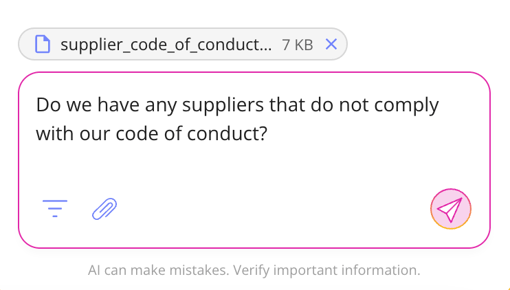
You can attach a document in the chat and ask it to compare that document against content already in the platform. This is particularly useful if you're working with a document that hasn't been uploaded yet, or if you're negotiating a contract and want to spot differences or check terms against existing agreements.
Conversation history
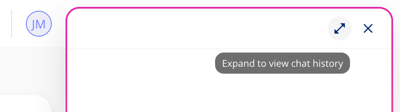
To see conversation history simply expand the chat through the icon in the top right corner.
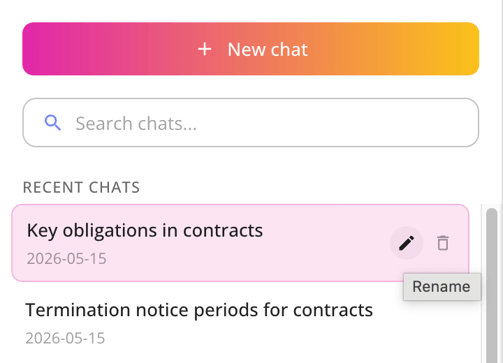
All your conversations are saved in a list on the left, where you can search, rename, and delete them.
Got Feedback?
We'd love to hear from you! Your input helps us keep improving the platform. Please don't hesitate to reach out to our support team with your thoughts, questions, or suggestions. 🚀
Please be aware that AI can make mistakes. Important information should be verified.
.png?width=352&height=198&name=Feature%20image%20contract%20renewal%20(1).png)




.jpeg?width=131&height=26&name=right_people_logo%20(1).jpeg)

.jpg?width=58&height=26&name=Praktiserende%20L%C3%A6gers%20Organisation%20(1).jpg)
.jpg?width=108&height=26&name=finans%20danmark%20(1).jpg)


.jpg?width=89&height=26&name=klasselotteri%20(1).jpg)

-1.png?width=34&height=26&name=bws_shipping_rgb%20-%20Kopi%20(2)-1.png)



.jpeg?width=135&height=26&name=AH%20industries%20(1).jpeg)






.jpg?width=225&height=26&name=KAUFMANN%20(1).jpg)