
.LEGAL AI FEATURE
AI Contract Creation
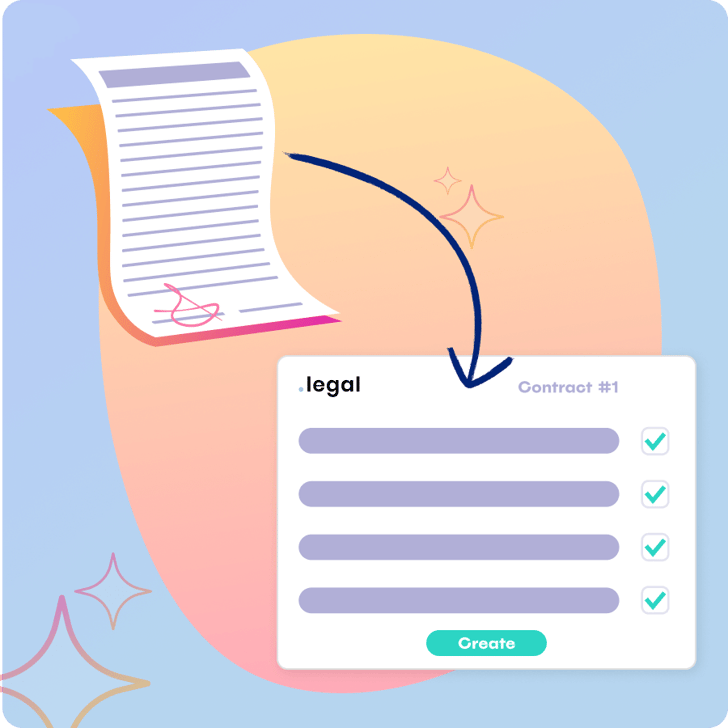
Automate contract data extraction and eliminate manual entry. Upload any contract document and let AI identify contract parties, important dates, and custom meta data, then map everything to .legal automatically.



AI CONTRACT CREATION
From document to structured data in seconds
Have you just received a contract? Now you can get smart assistance for your manual data entry. AI Contract Creation reads your contract documents and automatically extracts all relevant information, mapping it directly to the correct fields in .legal.
-
Automatic data extraction: Contract parties, dates, business areas, and renewal terms are identified and transferred without manual typing.
-
Reduce the risk of errors: Stop copying information from documents. The AI reads accurately and consistently, helping you avoid typos and missed details.
-
Works with your custom fields: Whether you use standard fields or have created custom fields for your organisation, the AI maps data to the right places.
-
Keep your database clean: The system recognises existing parties and business areas, preventing duplicate entries and maintaining data quality.
AI CONTRACT CREATION
Smart technology that adapts to your contracts
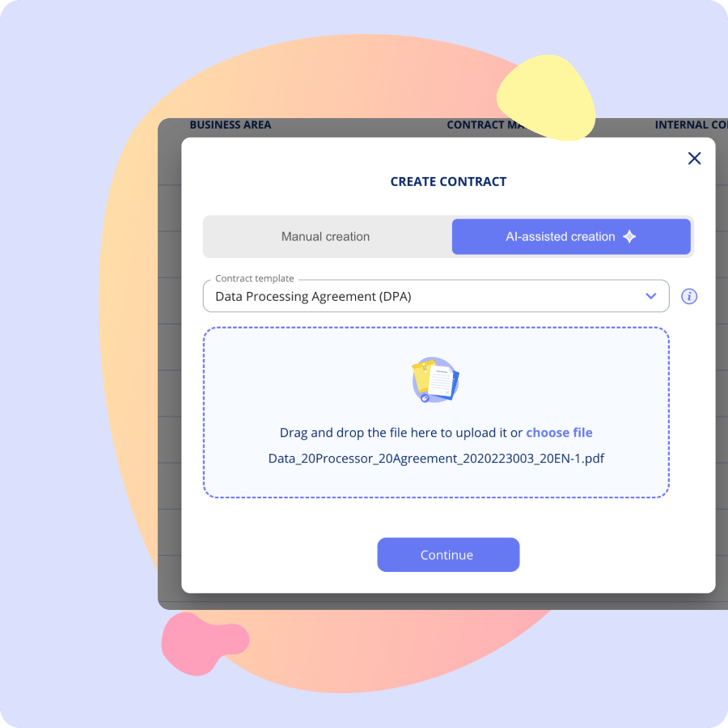
AI Contract Creation handles different document types and learns from your organization's patterns. The technology is designed to make contract management faster without compromising accuracy.
-
Upload any contract format: PDF, Word, scanned documents - the AI handles them all and extracts the information you need.
-
Review and adjust easily: Check the AI's work and add or modify information manually if needed. You stay in control while saving time.
-
Automatic field mapping: Data flows directly to both standard and custom fields, ensuring consistency across your entire contract portfolio.
AI-ASSISTED UPDATE
Keep your contracts current when the documents change
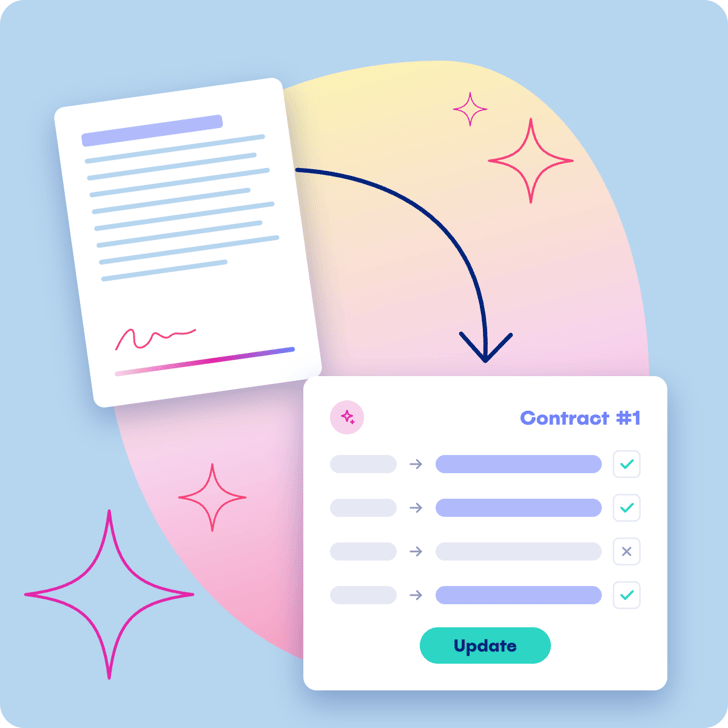
Received a new version of a contract or an addendum? With AI-assisted update, you can update an existing contract in .legal directly from the new document. The AI compares the document with the contract as it currently stands in the system and suggests the changes. You decide what goes in.
-
Current and proposed values side by side: For each field, you can see what’s there today and what the AI proposes. Accept or ignore the suggestions one by one. If the AI can’t find a field in the new document, it keeps its current value. This applies to your custom fields too.
-
Stay in control of contract parties: If the document contains new contract parties, you decide whether they should be added to the contract and created in the system. You can also remove parties or add new ones manually.
-
See where the data comes from: Source references show where in the document the AI found the information, so you can easily check it.
-
Start where you work: Begin an update from the contract overview, from the contract itself or directly from the document. Once you hit save, the contract is updated.

Getting You Started
Customer Support
-
You get a dedicated Customer Success Manager.
-
Personal onboarding to ensure a smooth start.
-
Support available Monday to Friday, 9 AM to 3 PM.





.jpeg?width=131&height=26&name=right_people_logo%20(1).jpeg)

.jpg?width=58&height=26&name=Praktiserende%20L%C3%A6gers%20Organisation%20(1).jpg)
.jpg?width=108&height=26&name=finans%20danmark%20(1).jpg)


.jpg?width=89&height=26&name=klasselotteri%20(1).jpg)

-1.png?width=34&height=26&name=bws_shipping_rgb%20-%20Kopi%20(2)-1.png)



.jpeg?width=135&height=26&name=AH%20industries%20(1).jpeg)






.jpg?width=225&height=26&name=KAUFMANN%20(1).jpg)




