
ADD-ON · ENTERPRISE RISK MANAGEMENT
Risk sits on something concrete.
It sits on the processing activity, the system behind it and the supplier hosting the whole thing. Assess processes, assets and suppliers against the scenarios that actually apply to them, and get the risk level calculated for you.
 Watch the video

.png?width=68&height=52&name=bws_shipping_rgb%20-%20Kopi%20(2).png)






.jpeg?width=131&height=26&name=right_people_logo%20(1).jpeg)

.jpg?width=58&height=26&name=Praktiserende%20L%C3%A6gers%20Organisation%20(1).jpg)
.jpg?width=108&height=26&name=finans%20danmark%20(1).jpg)


.jpg?width=89&height=26&name=klasselotteri%20(1).jpg)

-1.png?width=34&height=26&name=bws_shipping_rgb%20-%20Kopi%20(2)-1.png)



.jpeg?width=135&height=26&name=AH%20industries%20(1).jpeg)






.jpg?width=225&height=26&name=KAUFMANN%20(1).jpg)




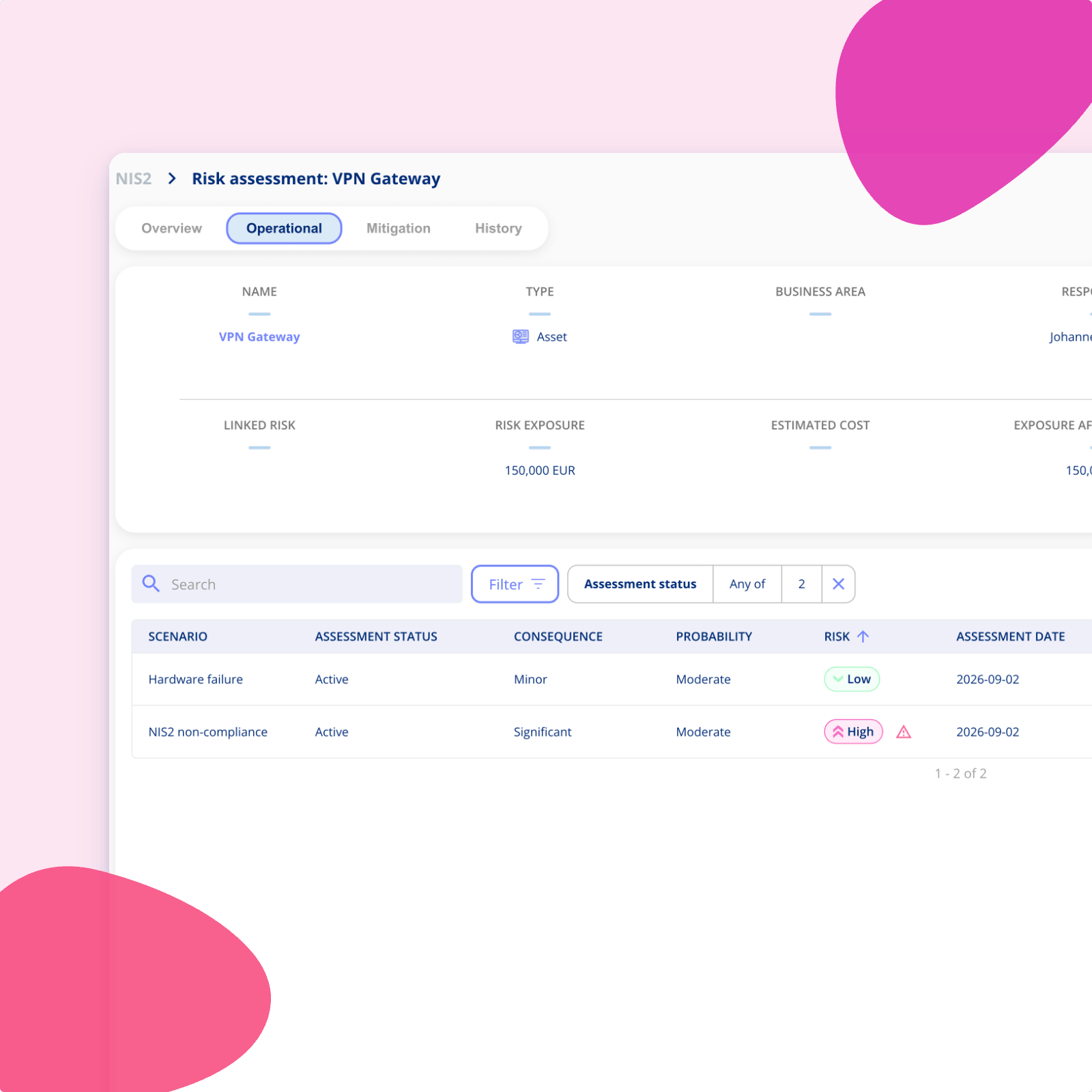
Not everything faces the same threats
A VPN gateway doesn't get hit by the same scenarios as a recruitment process. Pushing both through the same checklist produces assessments nobody trusts, and a lot of fields marked not applicable.
-
Three different entity types: Processes, assets and systems, and suppliers each carry their own kind of exposure.
-
Scenarios have to fit: A scenario list that applies to everything usually applies to nothing in particular.
-
Loose assessments aren't a picture: A pile of individual assessments only becomes useful once you can see them together.
From single assessments to a risk picture
A short look at how entities, scenarios and assessments fit together.

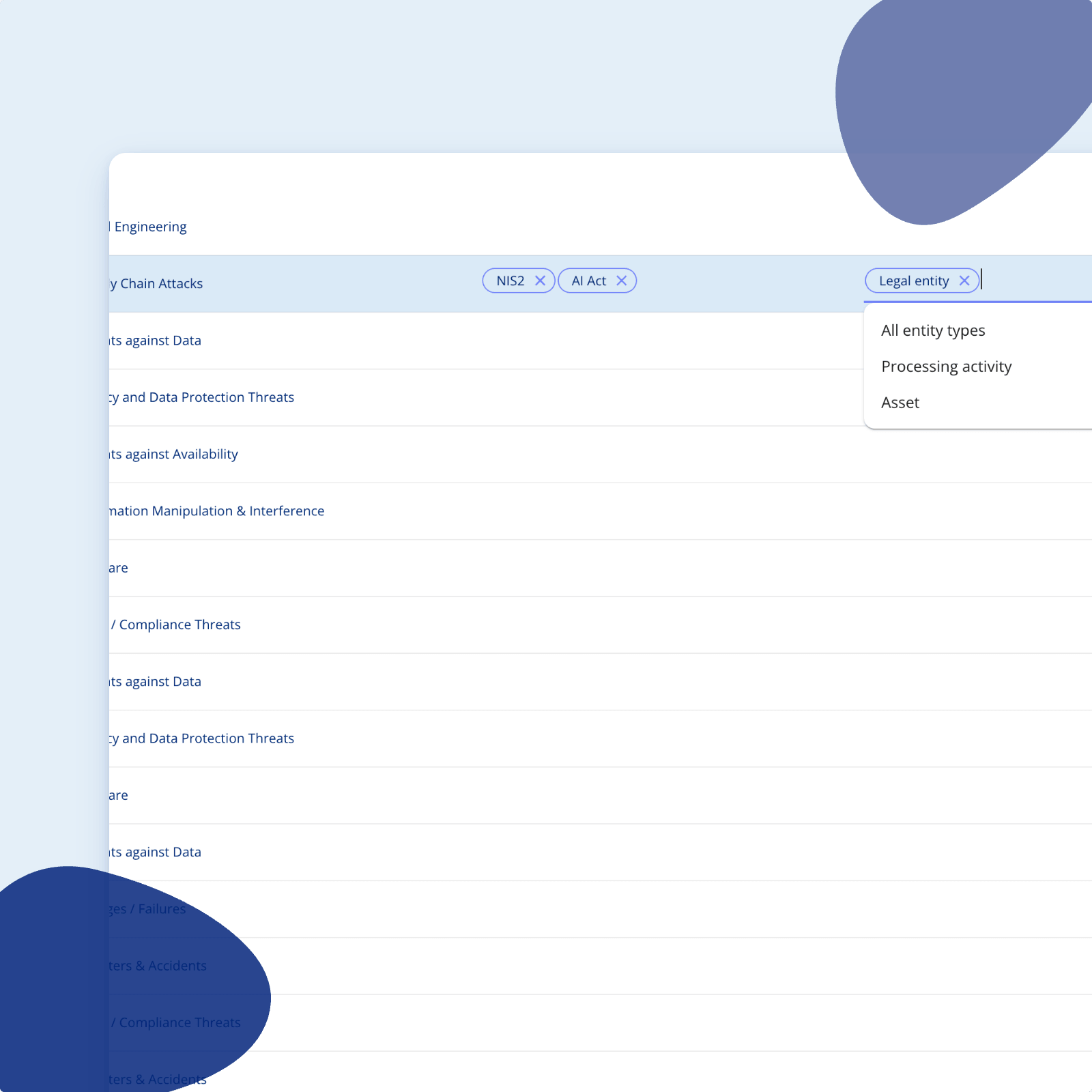
Choose which entities each risk area assesses
Before you assess anything, you decide what the area covers.
-
Pick the entity types: Processes, assets and systems, suppliers, or any combination of them.
-
Keep the scope honest: An area that only concerns suppliers shouldn't be asking about processing activities.
-
Different per area: Information security and GDPR rarely look at the same things in the same way.
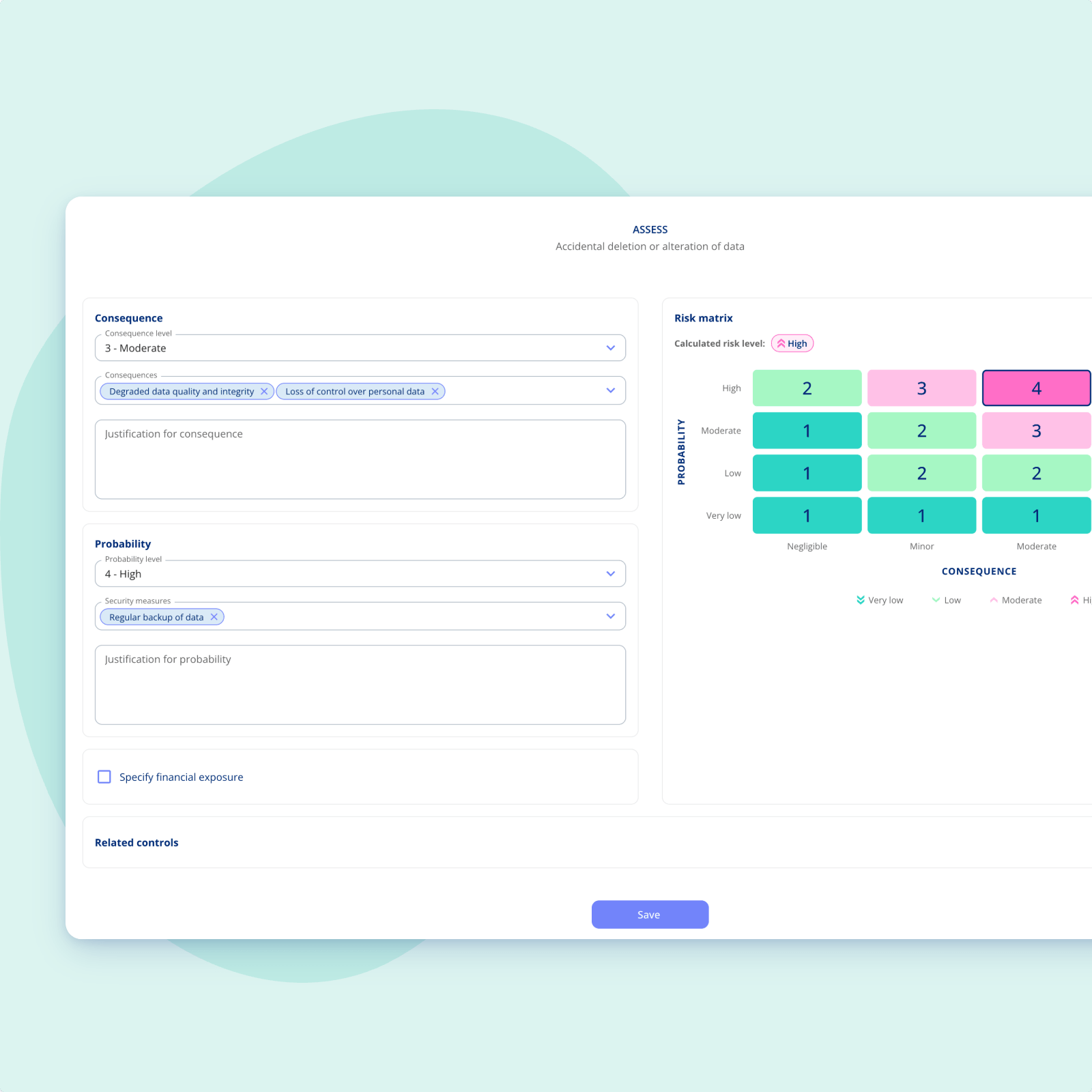
Assess against concrete scenarios
Add a risk scenario to an entity and work through the assessment in one place.
-
Consequence and probability: Set the level for each, along with the actual consequences and the security measures already in place.
-
Calculated for you: The risk level comes straight from that area's own matrix, so nobody is doing mental arithmetic.
-
Exposure if you want it: Add an estimated financial loss for the case where the risk materialises.
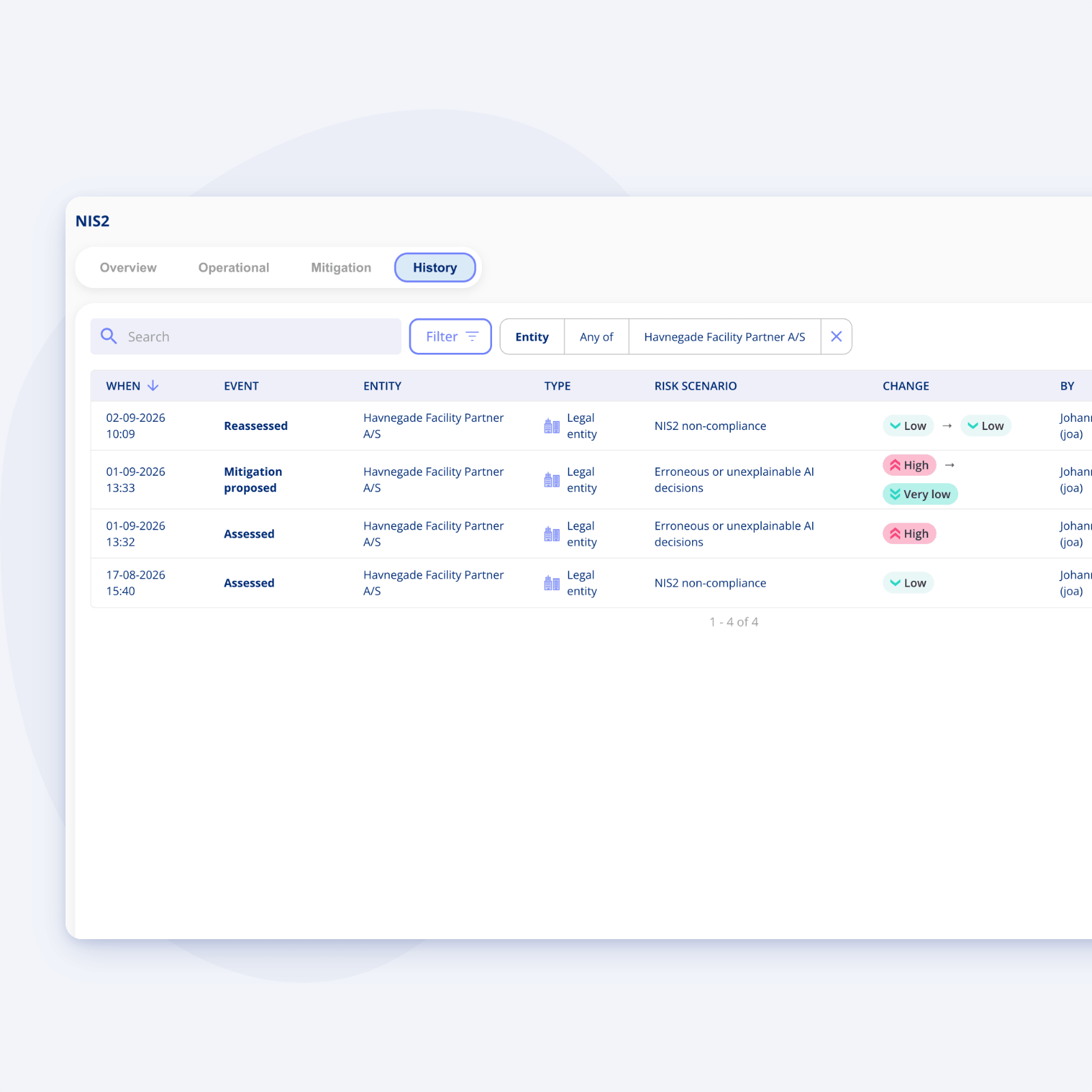
Every assessment carries its justification
Consequence and probability both require a written justification. It isn't optional.
-
An audit trail by default: You can always point to why a risk was assessed the way it was, at the time it was assessed.
-
Nothing gets overwritten: Each assessment adds to the record rather than replacing it. Every entity and scenario keeps its own timeline.
-
Gaps get flagged: Where a risk has been reassessed without any new action being taken, the system says so.
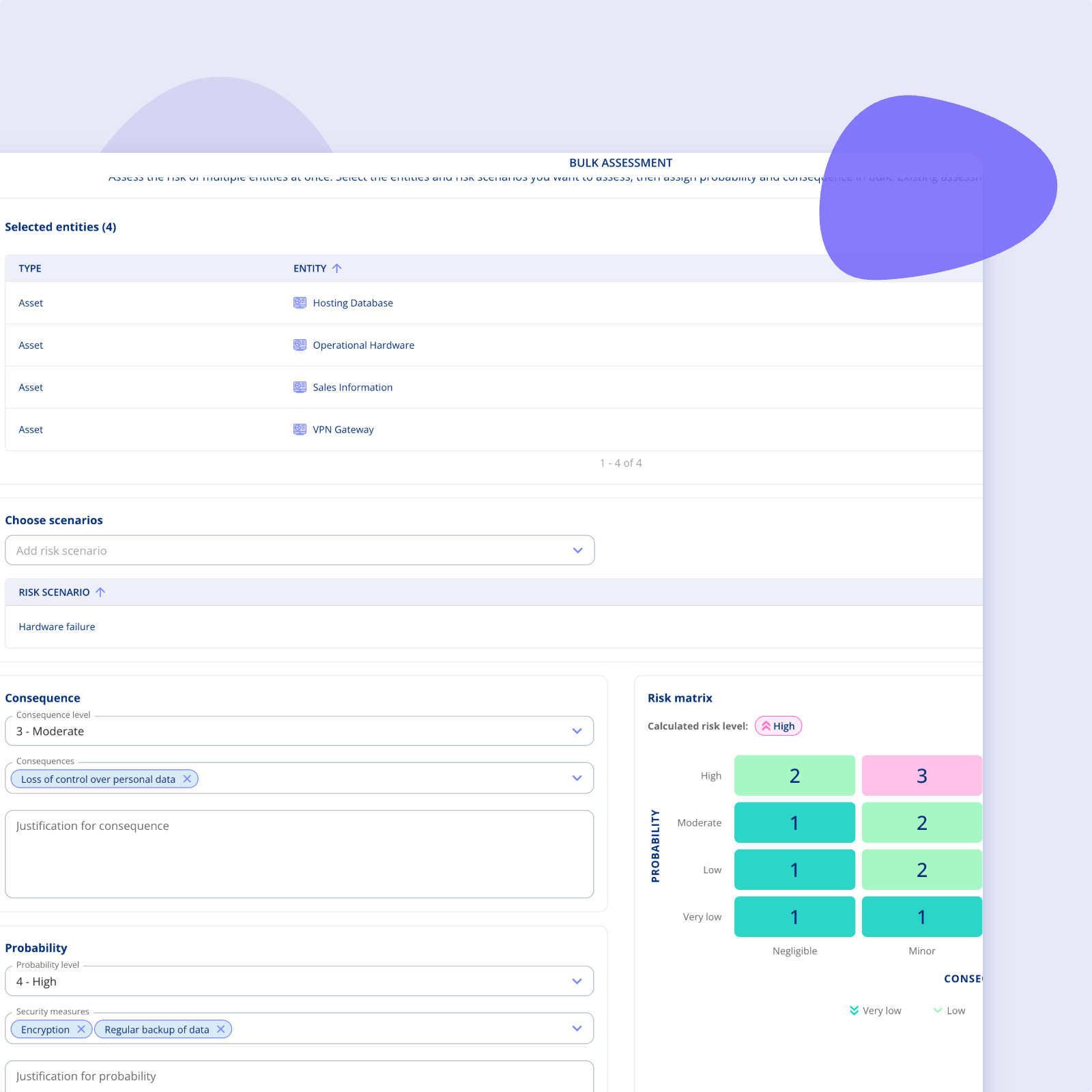
Assess many entities at once
Doing this one entity at a time is fine for a handful. It isn't fine for two hundred.
-
Bulk assessment: Select several entities and several scenarios and assess them together.
-
Same rigour, less clicking: Justifications and security measures still apply, they just don't have to be typed twenty times.
-
Useful for onboarding: The fastest way to get an existing register into the platform and assessed.
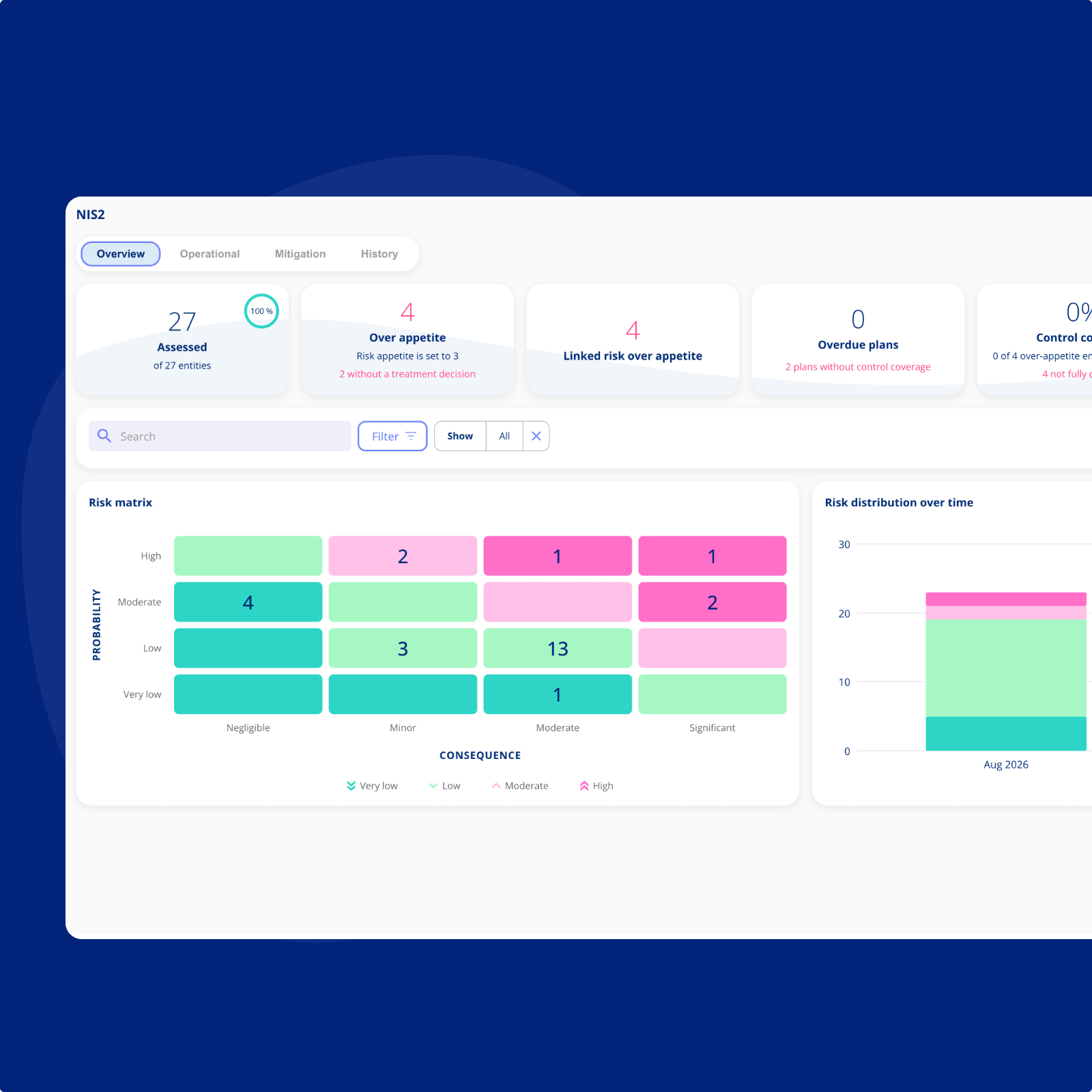
Watch the risk picture build
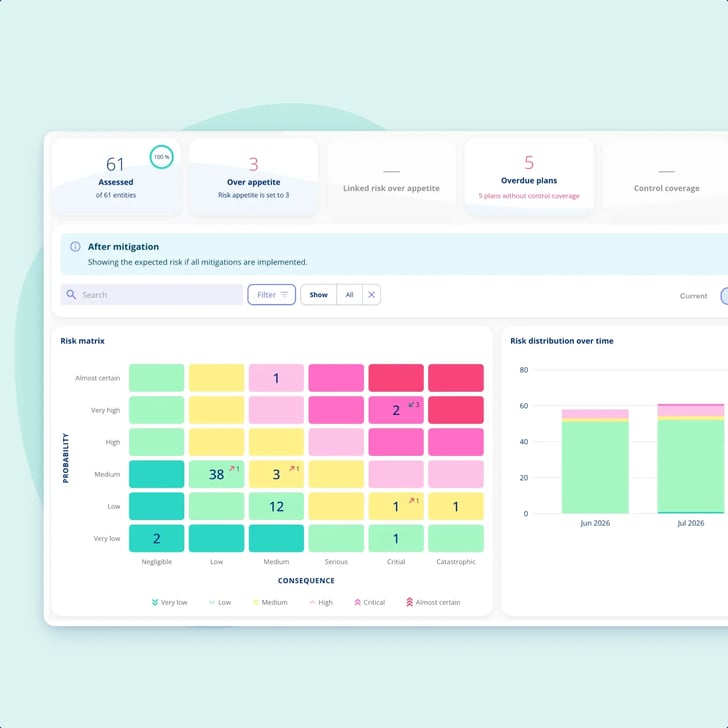
Once enough entities are assessed, the area overview stops being a list.
-
A populated matrix: See how many entities sit in each combination of consequence and probability.
-
Key figures alongside it: Entities over appetite, linked risks over appetite, overdue mitigation plans.
-
Development over time: A chart shows how the distribution has moved, so you can tell whether anything is actually improving.

Getting You Started
Customer Support
-
You get a dedicated Customer Success Manager.
-
Personal onboarding to ensure a smooth start.
-
Support available Monday to Friday, 9 AM to 3 PM.

.legal compliance platform
Begin with Enterprise Risk Management today
-
Works alongside your existing frameworks
-
Free onboarding included
-
No commitment